Thousands of photos. Sorted by what's in them.
Kosmos looks at your photos and videos and suggests folders like Beaches, Birthdays or Pets. You check them, then it copies everything into place. Your originals never move.
Free to download. Your first 200 photos are sorted free. No card, no account.
Three steps.
Kosmos runs on your computer and opens in your browser. Nothing to set up, no account needed to start.
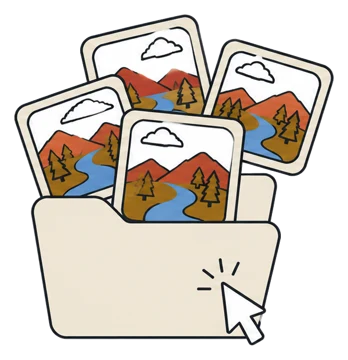
Pick a folder
Choose any folder, a phone backup, a camera card or years of downloads. Kosmos counts the photos and videos and finds exact duplicates.
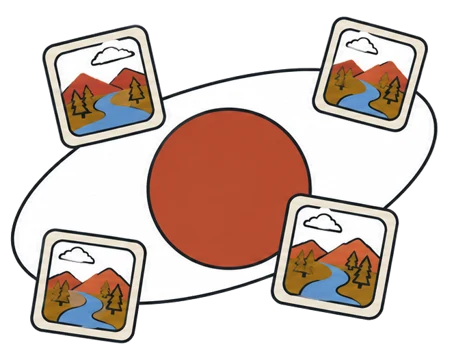
The AI suggests folders
Small copies go to the AI, which looks at what is in them and proposes folders. You can name the folders you want first.
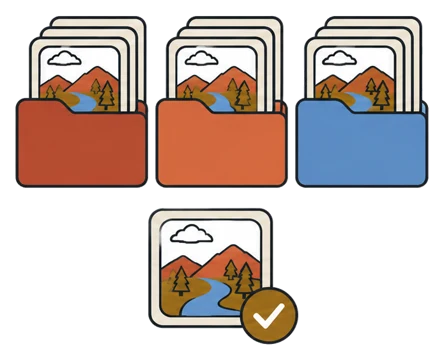
Check, then arrange
Look through the suggestions, move anything you disagree with, place the unsure ones, then press Arrange. Kosmos copies and checks every file.
Made for messy libraries.
Sorted by content
Folders come from what is in your photos, not just dates or file types.
Up to 10. Used where your photos fit them.
Your folder names
Tell it the folders you want, up to ten, and it uses them where they fit.
Unsure stays with you Review
Photos the AI is not sure about wait in their own tray until you place them.
Duplicates found
Exact copies are spotted, so each photo is sorted once.
Videos too
Videos get their own folders, judged from a few frames of each clip.
Free sorting by type and month
Sort by file type or by month any time, free, with no AI and no internet.
Your photos stay yours.
Plain words, no small print. The full privacy policy says the same in more detail.
- OriginalsNever moved, renamed or changed. Kosmos only makes copies, and checks each one.
- What leavesOnly small copies of the photos you sort, and only after you press Sort. They go to Claude, Anthropic's AI, through our server.
- What we keepNo photos. Your email if you sign in, your credit balance and request counts.
- TrackingNone. No ads, no analytics, no selling data.
Pay once. Keep the credits.
One credit sorts one photo or video with the AI. Sorting by file type or month is always free.
- No card, no account
- The full app
- Type and month sorting, always free
Opening it the first time.
Kosmos is new, so your computer asks once whether you trust it. Here is what you will see.
Windows 10 and 11
- Unzip the download, open the Kosmos folder and double-click Kosmos.
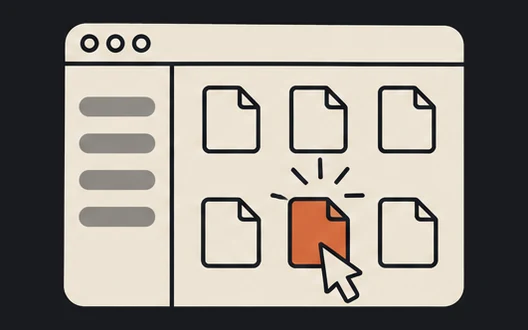
- If Windows says it protected your PC, click More info.
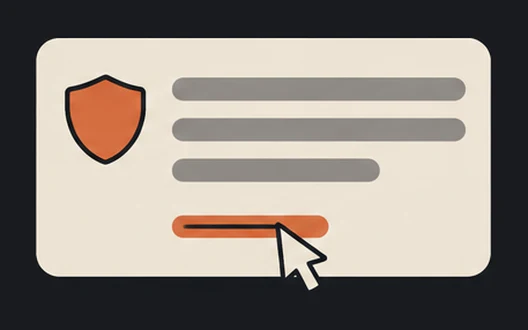
- Click Run anyway. Kosmos opens in your browser.
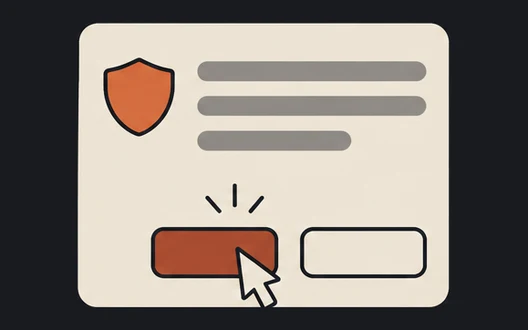
Mac Apple silicon and Intel
- Unzip the download and double-click Kosmos.
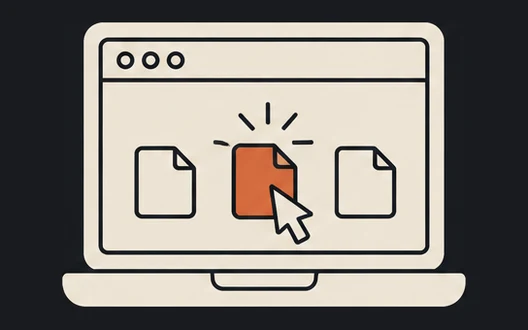
- If macOS says it cannot be opened, open System Settings → Privacy & Security.
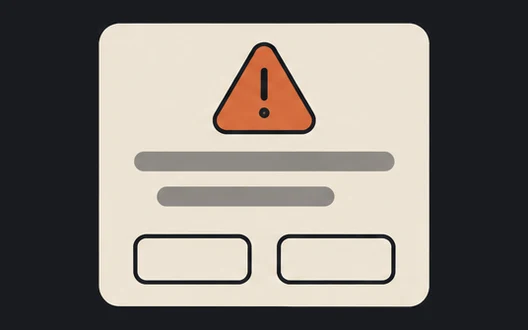
- Click Open Anyway. Kosmos opens in your browser.
Good to know.
How good is the sorting?
It is a suggestion, and you have the last word. You see every folder before anything is copied, can move any photo, and photos the AI is unsure about wait for you instead of being guessed. We will publish measured results once we have tested it on real libraries.
Does it work offline?
Sorting by file type or by month works fully offline and is free. Sorting by content needs the internet, because the AI runs on Anthropic's servers.
What exactly is sent?
Small, low-resolution copies of the photos you sort and a few frames of each video, only after you press Sort. Not the originals, not file names, not locations. Our server keeps no images.
Will it move or delete my photos?
No. Kosmos only copies into a new Sorted folder and checks every copy. It never deletes, renames or overwrites anything.
Do I need an account?
No. The free photos work right away. You sign in with your email only when you buy credits or want them on another computer.
Can I get a refund?
Yes. Unused credits are refunded within 14 days of purchase. Write to [email protected].
Bring order to your photos.
Free · 200 photos on us · Windows 10/11 and macOS